Smart Garage Door Security: How to Lock Down Wi-Fi Openers in 15 Minutes
A Wi-Fi garage door opener is convenient—but it’s also a front door to your home. With a few quick settings and habits, you can harden security in about 15 minutes. Use the checklist below to tighten passwords, enable 2FA, rein in guest access, dial in geofencing, and review activity logs. If your unit is older or lacks modern protections, we’ll also cover when it’s time to upgrade. If your opener is already acting up, start with garage door opener repair. If you’re ready to modernize, compare options on garage door opener installation.
Smart opener security basics
Think of your opener like a smart lock for your largest exterior door. The goal is to minimize who can trigger it and how, while keeping a clear audit trail.
- Use unique, strong credentials for both your opener app and the email/Apple/Google account attached to it.
- Turn on two-factor authentication (2FA) anywhere it’s offered—opener app and the account provider.
- Limit the number of people and devices that can operate the door.
- Keep firmware and the app updated so you receive security fixes.
- Treat remotes and keypads like house keys—revoke access if one goes missing.
If your door itself is noisy or unreliable, fix the mechanics first. A tuned, balanced door is safer and less likely to fail secure. Book a preventive tune-up through garage door maintenance.
Must-do settings in the app (5–7 minutes)
- Change your password now
Create a unique passphrase (12+ characters with mixed types). Don’t reuse your email or Wi-Fi password. - Enable 2FA
Turn on 2FA in the opener app and the identity account behind it. SMS is okay; an authenticator app is better. - Audit users and devices
- Remove old phones, tablets, and cars (HomeLink/Car2U) you no longer use.
- Delete ex-roommates, contractors, or neighbors.
- For shared access, prefer time-bound or recurring schedules over permanent access.
- Tighten notifications
- Enable alerts for “opened,” “closed,” “left open,” and “shared access used.”
- Add a “door open > X minutes” reminder.
- Turn on “new login” alerts, if available.
- Update firmware and app
- Check for opener firmware updates inside the app.
- Update the mobile app to the latest version for security patches.
- Secure the network
- Put the opener on your primary WPA2/WPA3-secured SSID.
- If you use a guest network or IoT VLAN, ensure your phone can still reach the opener reliably.
If your opener can’t complete updates or loses Wi-Fi often, that’s a reliability red flag—see garage door opener repair.
Geofencing & schedules that are actually safe (4–5 minutes)
Geofencing and schedules can help—or accidentally open the door at the wrong time. Use them intentionally.
- Geofence open vs. geofence reminder
Prefer “arrival reminder” (a prompt) over auto-open. If you must auto-open, restrict it to a tight radius, require your device to be unlocked, and limit to your primary phone. - Night and travel schedules
Create an auto-close at 9–10 p.m. and a “door open too long” rule. Add a vacation schedule that disables geofence automations while you’re away. - Share carefully
For dog walkers or cleaners, set day/time-restricted access with alerts. Disable geofence for guests; keep them on manual open/close only. - Vehicles and map apps
If a vehicle integration is paired, ensure it’s only bound to the cars you still own and disable “hands-free” open if it’s unreliable on your street.
When to replace the opener (and what to buy instead)
Security features depend on hardware. If your unit doesn’t support the basics below, replacement is the safer choice—and often less expensive than chasing intermittent faults.
Replace if your opener:
- Lacks 2FA support, reliable activity logs, or modern rolling-code remotes
- Uses legacy fixed dip-switch remotes (easy to clone/interfere with)
- Can’t accept firmware updates or loses Wi-Fi connection repeatedly
- Is 15–20+ years old, has a failing logic board, or lacks a functional safety battery backup
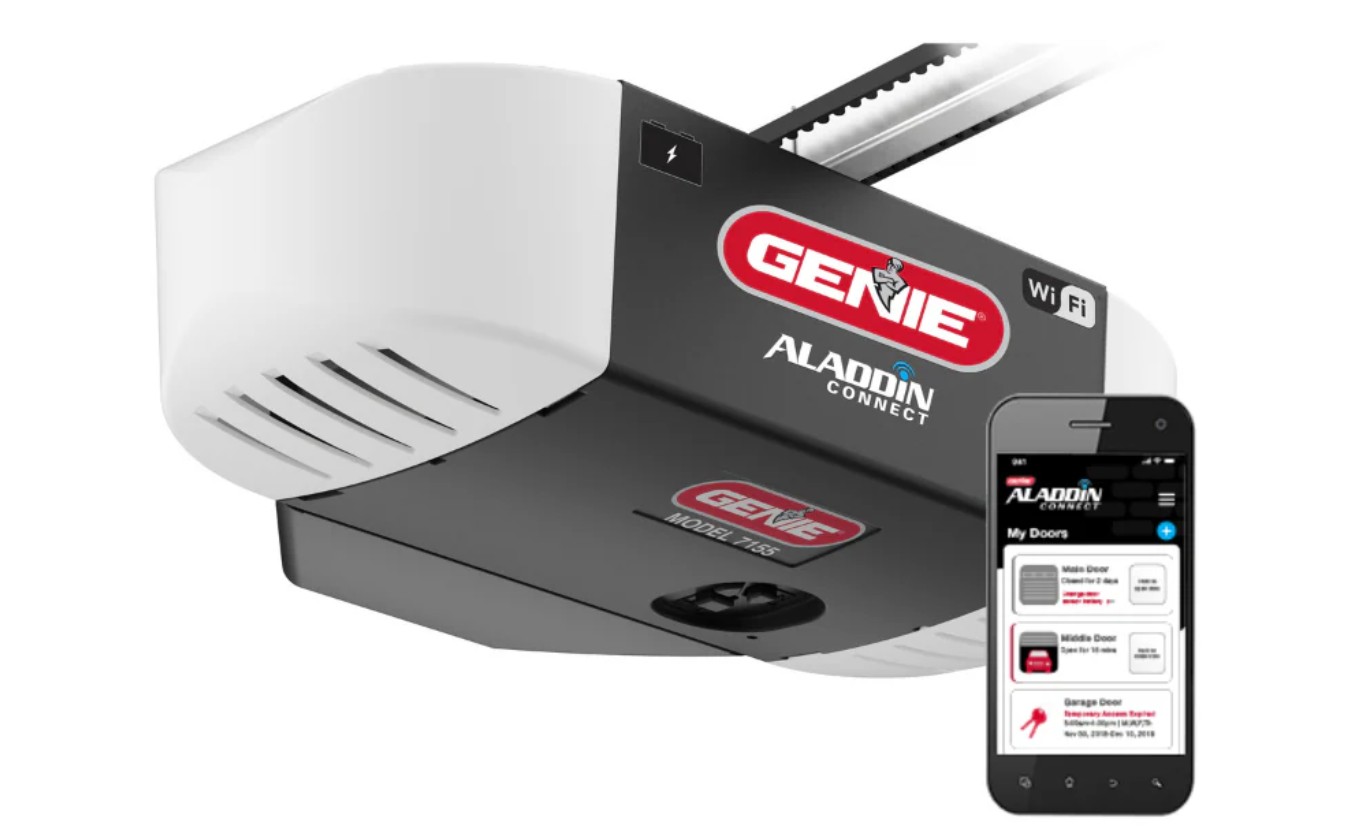
What to look for in a modern unit: - Rolling-code remotes, encrypted app control, and mandatory 2FA
- Battery backup and secure, logged sharing for guests
- Belt-drive (quiet) or wall-mount jackshaft (frees ceiling space and adds automatic deadbolt on many models)
- Native integrations you’ll actually use (app control, notifications), not bloat you won’t configure
Explore models and pro install options on garage door opener installation. If your door is older, dented, or uninsulated, upgrading the door and opener together can improve safety, efficiency, and curb appeal; compare paths on garage door replacement.
Post-install maintenance that keeps security tight
Good security is a routine, not a one-time switch.
- Quarterly: Review access logs and remove any devices or guests you no longer recognize.
- Biannually: Change your app password and confirm 2FA still works on your current phone.
- After life events: Revoke access after moves, car sales, tenant changes, or contractor work.
- Power and network: Use a surge protector on the opener outlet. Keep your router firmware updated.
- Physical safeguards: Replace worn remotes/keypads, keep a fresh keypad battery, and lock the emergency release if your door is visible and reachable from outside (use a release cover with interior-only pull, never disable it).
- Door health: Schedule an annual tune-up for balance, spring/cable condition, safety sensor alignment, and force/limit calibration. A properly tuned door reduces false reversals and keeps alerts meaningful. Book through garage door maintenance, or fix active issues via garage door opener repair.
15-Minute Security Checklist (printable summary)
- Change opener app password (unique, 12+ chars)
- Turn on 2FA (app + account provider)
- Remove old users, vehicles, and devices
- Enable open/close/left-open alerts and new-login alerts
- Update opener firmware and mobile app
- Set an auto-close schedule and “left open” reminder
- Limit or disable geofence auto-open; use prompts
- Add surge protection and verify Wi-Fi strength at the opener
- Calendar a quarterly log review and annual tune-up
Want us to audit your setup or upgrade to a quieter, more secure system? We can evaluate your current unit, harden your settings, and recommend the right hardware for your home. Get started with garage door opener repair or request a quote for a modern system on garage door opener installation.